What Is Linux and Why Did I Choose Fedora?
This post, unlike the previous ones, will be much less technical.
The idea is to address, even if only superficially, a question many people have when they hear about Linux:
What is a Linux?
Let’s imagine for a moment that our computer is like a huge empty building. This building is meant to be the central offices of a government where you carry out all kinds of procedures, from paying basic bills like electricity and water, to sending and receiving packages from abroad.
These all-in-one super offices represent your PC. Now, that building and its functions are governed by a “Government.” This government decides which tasks are prioritized, which mechanisms are used to transport packages and information between floors, and what kind of security the building and its employees will have. In our PC, this government is what we call an Operating System.
We know very well that not all governments are the same. Some are authoritarian, others corrupt, some efficient and others not so much. The same happens with operating systems: each one has different ways of organizing its infrastructure and defining security, storage, and internal organization.
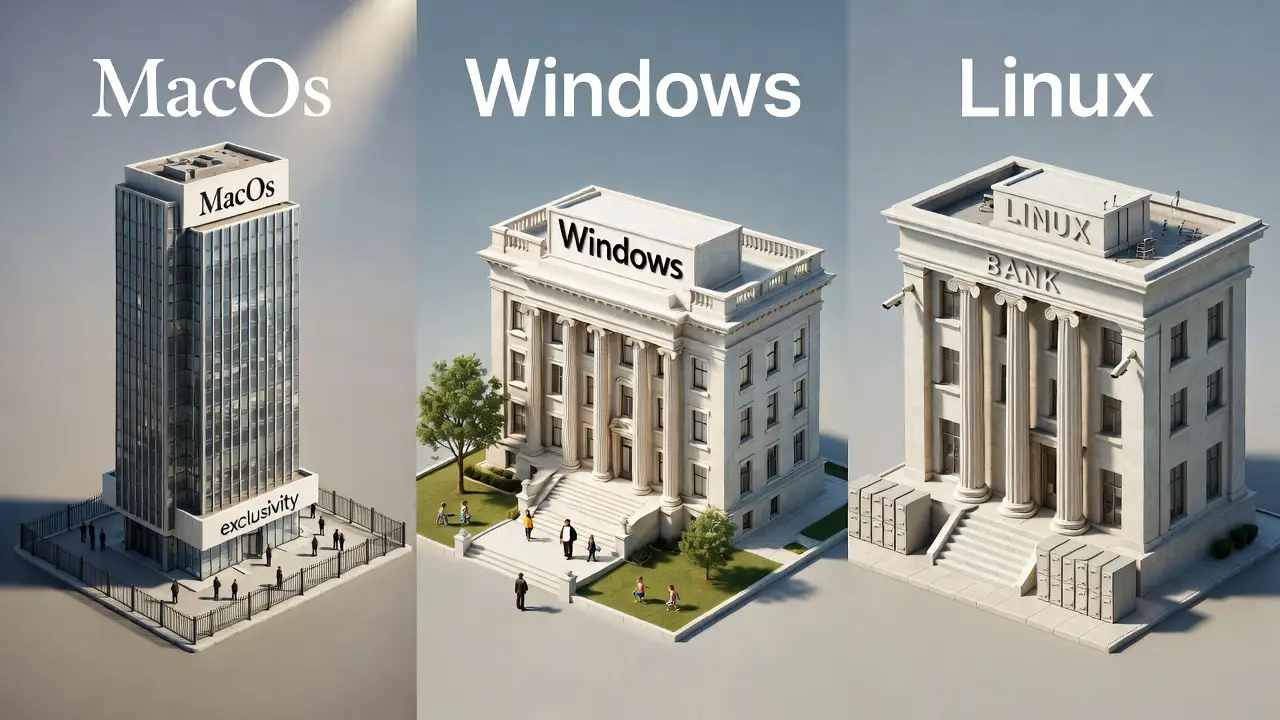
This is where Windows, Linux, and macOS come in, as different operating systems that manage our computers. If we continue with the mental exercise of the government building, we could imagine the following:
- macOS is a very exclusive building. To become a member, you have to pay large amounts of money, and it clearly shows. Security is good, the environment is pleasant, workers do their jobs, and deliveries are efficient.
- Windows is the typical government building we all know. You need appointments for any procedure, packages sometimes get lost, there are always things out of place, and it has that nice park where children play happily, but where you always have to stay alert so nothing bad happens to them. Despite everything, it is a functional building: procedures are completed, packages are delivered, and most people are used to this type of service.
- Linux, on the other hand, would be like a banking building. As with the macOS building, security is strict; no one enters or leaves without proper credentials. Warehouses are kept clean and organized, packages arrive on time, and all workers are extremely efficient.
Okay, but then why does Linux have a reputation for being difficult or complicated?
To answer this question, I need to emphasize the philosophy behind the different operating systems, that is, the buildings we were talking about earlier.
The first two, macOS and Windows, belong to the private sector. That is, they are owned by companies whose purpose is to make money in exchange for a service. Each one pays its own security guards and keeps its own corporate secrets.
Linux, on the other hand, aims to be “open.” This means that users from anywhere in the world can see the blueprints used to build the building, the materials, the profiles of the guards to be hired, the layout of the warehouses, and so on. Moreover, users can contribute to improving its design.
I like to think that the philosophy of Linux is related to the phrase attributed to George Bernard Shaw:
You have a dollar. I have a dollar. We exchange them. Now you have my dollar and I have yours. We are no better off than before. You have an idea. I have an idea. We exchange them. Now you have two ideas, and I have two ideas. That is the difference.
It is thanks to this constant exchange of ideas that the security of the Linux operating system is so strong. In other words, it is not the same to have two guards monitoring the security cameras of a building as it is to have thousands of people doing the same thing and planning how to prevent vulnerabilities.
But not everything is perfect.
“Linux (Ubuntu) is ugly…”
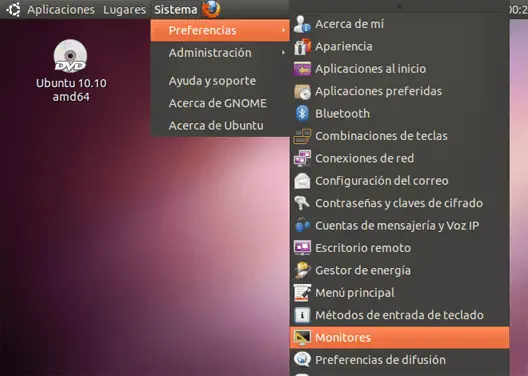
Those were my first words after installing Ubuntu for the first time, one of the many “flavors” of Linux, back around 2010.
I already had some experience formatting Windows systems and even enjoyed installing the “novel” Windows 7 for family and friends.
The change from Windows XP to Windows 7 felt like a breath of fresh visual air. The system worked wonderfully and, above all, it was pleasant to turn on the computer, hear the welcome sounds, and see the bright, daylight-like colors on the screen. Not to mention, of course, that my favorite video games were there, waiting to be launched with just two clicks.
I remember that my first experience with Ubuntu 10.04 was motivated by some online article that said something like “Linux is no longer ugly”, or some sensationalist title of that sort. But after following tutorials and finally managing to install it on the family computer, I realized two things:
- The design felt like going back to Windows XP, but upside down.
- It left me with a horrible menu (which I would later recognize as GRUB) to choose between booting my PC with Windows or Ubuntu.
The trauma was strong enough that I abandoned those early attempts to get closer to Linux for several months. Until I finally found what would become my salvation.
KDE Is a Very “Kool” Desktop Environment
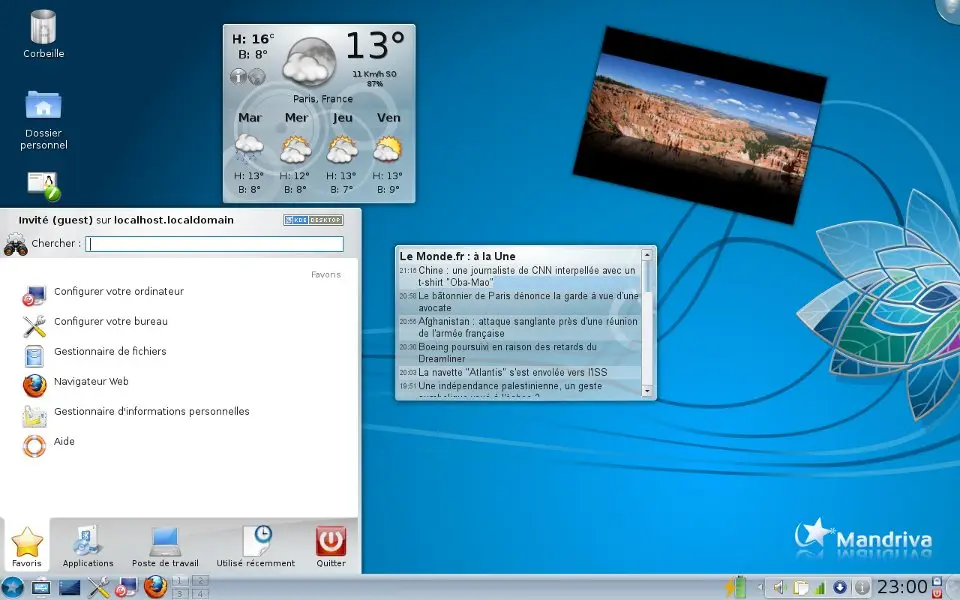
Back then, there were already more people who thought the same as I did, and unlike me, they had the knowledge and the motivation to do something about it. Mandriva was the first Linux flavor that I truly loved.
I enjoyed customizing the cursor, buttons, widgets, and even desktop activities and effects. It was with Mandriva that I finally understood what it means for your system to truly be yours… and all the responsibility that comes with it.
There were many times when I accidentally broke my computer by following internet tutorials, copying and pasting commands suggested by some stranger without understanding what I was really doing (and what I was risking). Not to mention all the compatibility issues I dragged along from using an Nvidia graphics card.
Even so, I thought I had found my place… until it died. Mandriva announced its shutdown around 2015, and the first thing I did, like a rat fleeing a sinking ship, was to escape without looking back.
Ubuntu Is No Longer (That) Ugly
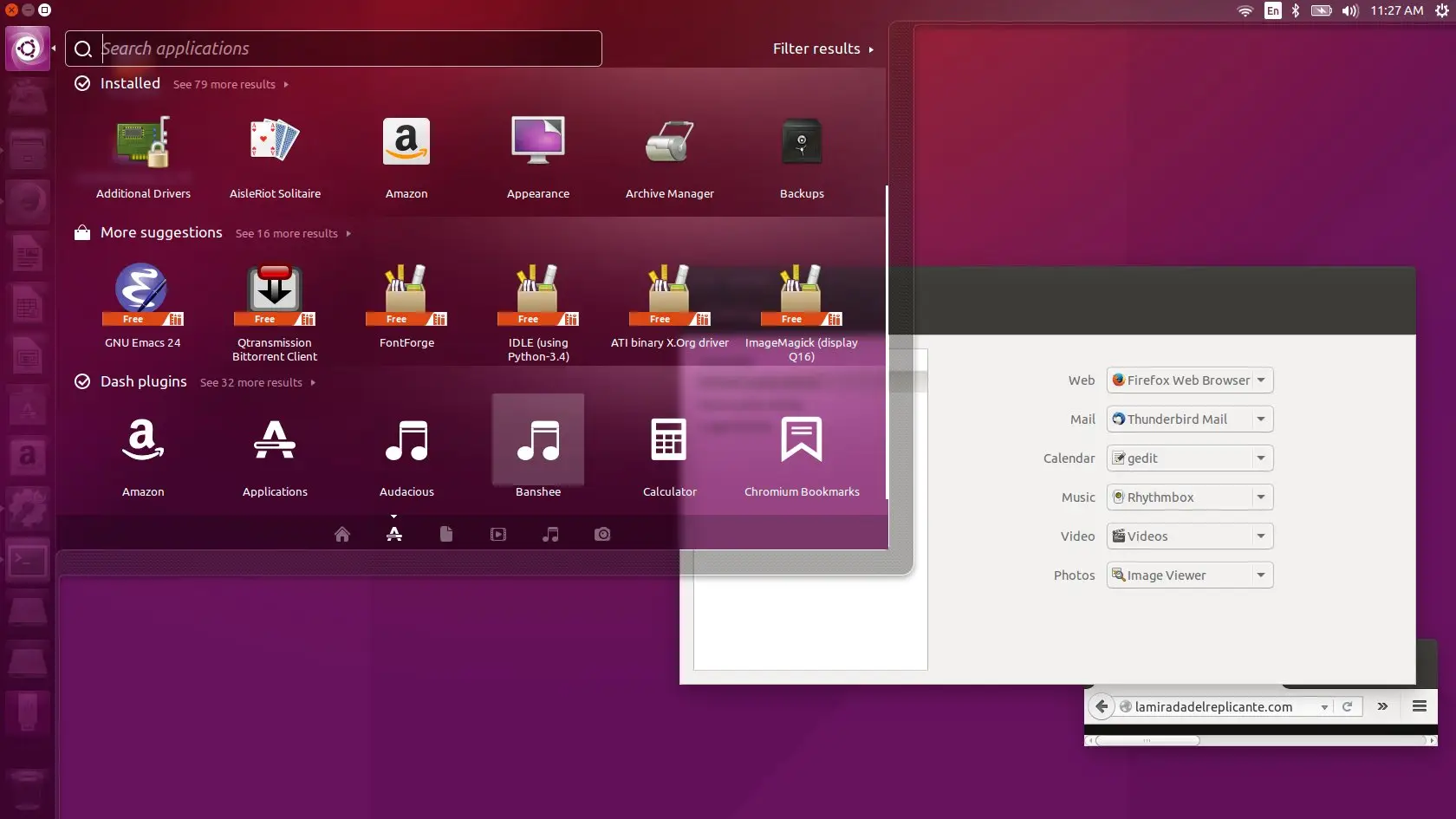
By the time I decided to give Ubuntu a second chance, I was greeted by the “new” Unity desktop, which would become Ubuntu’s flagship from then on. And although the color palette still felt heavy to me, it was nothing that a wallpaper change couldn’t fix, thanks to its transparent window system.
It was on Ubuntu, and thanks to its huge community, that I finally understood more about what Linux-based operating systems are, desktop environments, the bootloader, and many other things. That entire learning period was very valuable to me, and although I tried to adapt to Unity, the truth is that I could never forget my first love…
That is why I decided to move to Kubuntu as soon as I had the opportunity. Kubuntu is a version of Ubuntu that uses the KDE desktop environment by default. I then had the best of both worlds: Ubuntu’s nearly unlimited source of information, along with the effects and desktop that I liked so much.
Although there were some things about Canonical’s management (the company that develops Ubuntu) that I didn’t like, I could mostly overlook them until I was forced to install Firefox in its Snap format. So, since 2023, when I heard that Fedora would finally have a community KDE spin, I decided to try it—and I’ve stayed here ever since.
Why Fedora?
I believe that choosing an operating system, and in the case of Linux, choosing a desktop environment, is closely related to each person’s personality. There will always be personal preferences.
Personally, I like being on the “cutting edge” when it comes to innovation, especially those related to KDE Plasma. I want to try new visual effects and applications early, and experience firsthand the stability of a new system, even if that means many things could go wrong.
However, I can’t afford to constantly break my work system with every new update. That is why I decided not to get too involved with even more experimental systems like Arch.
Final Recommendation
When I used Ubuntu as my primary system, I realized that it has two development versions: a short-term one and a long-term one (LTS). Long-term versions are updated less frequently and aim to be “stable” at all times, while short-term versions update everything every six months.
Fedora, on the other hand, does not have an LTS, and each “new version” is released every six months—just the way I like it. Even so, Fedora has seemed much more stable in its development over the years than when I used to do those “big updates” every six months on Ubuntu.
Therefore, my recommendation for those looking for a “cutting-edge” system that is stable enough for solid daily work is to choose Fedora. If, on the other hand, what you want is very high stability (without going to the extremes of Debian), then using an LTS version of Ubuntu is the way to go.
I won’t recommend Arch because I haven’t used it beyond installing it in virtual machines just to experiment a bit. And although I do have Debian installed on a server, I won’t recommend it either, because it’s not a system I would use for day-to-day work.
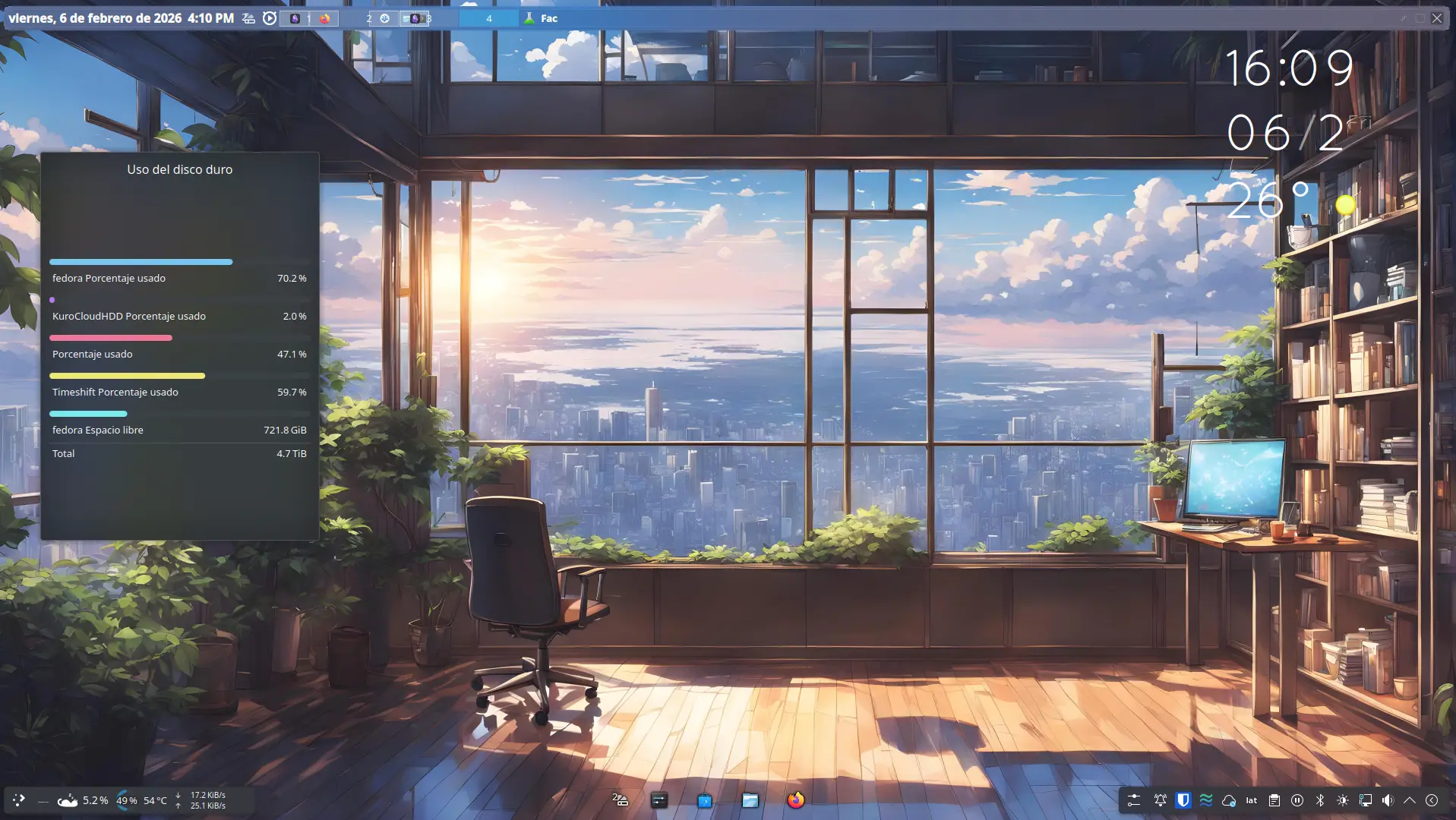
The screenshots, diagrams, and videos in this article were created by fedogamer. Additional resources from Grok.com.